Last Updated: November 19, 2026
Quick Summary
The digital proofing process is a review step where a print shop checks your artwork on screen and gets your approval before production starts. Shops use it to catch problems like wrong text, poor placement, or sizing errors when they are cheap to fix. Production begins only after you approve the digital proof.
- Streamline Digital Imaging reviews your artwork before anything goes to press.
- Check spelling, names, numbers, and sponsor lines on the digital proof.
- Confirm design placement, size, and that nothing will be cut off.
- Screen colors can differ from the final print, so ask about color matching.
- Use a physical press proof for color-critical jobs, since digital proofs show color less accurately.
Table of Contents
- What the Digital Proofing Process Involves
- Digital Proof Example: What You Review Before Approving
- Digital Proof vs. Press Proof and How to Use a Print Proof
- Frequently Asked Questions
What the Digital Proofing Process Involves
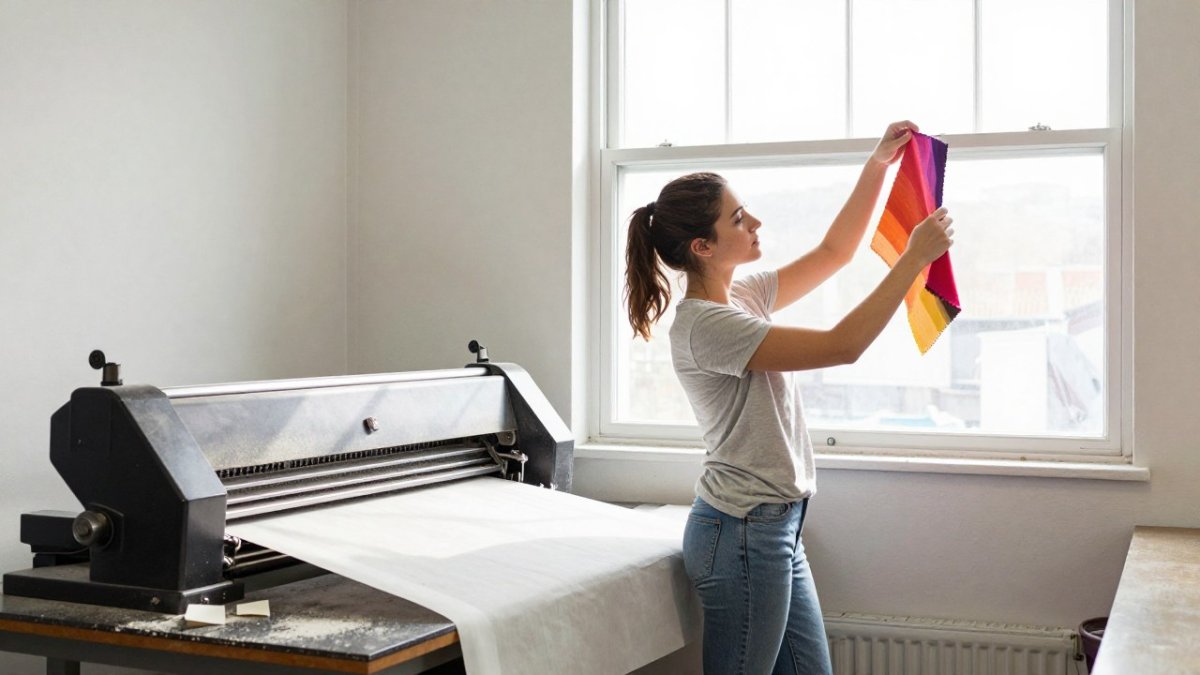
Streamline Digital Imaging, a family-owned print shop in Snohomish, Washington, reviews your artwork before anything goes to press. The digital proofing process checks your design on screen and gets approval before production starts, catching problems early when they cost nothing to fix.
Preparing files first speeds this up. Our guide on preparing print-ready files for professional printing explains what to set up before the proofing stage. Our guide on preparing artwork for custom apparel explains what files work best.
The digital proofing process moves through a few clear checks before production begins.
| Stage | What happens | Why it matters |
|---|---|---|
| Artwork review | Shop checks your design on screen | Catches problems early |
| File preparation | Use files that work best for printing | Speeds up the proofing process |
| Approval | You approve the digital proof | Production starts only after approval |
| Color check | Ask about color matching before approving | Screens can differ from the final print |
Digital Proof Example: What You Review Before Approving
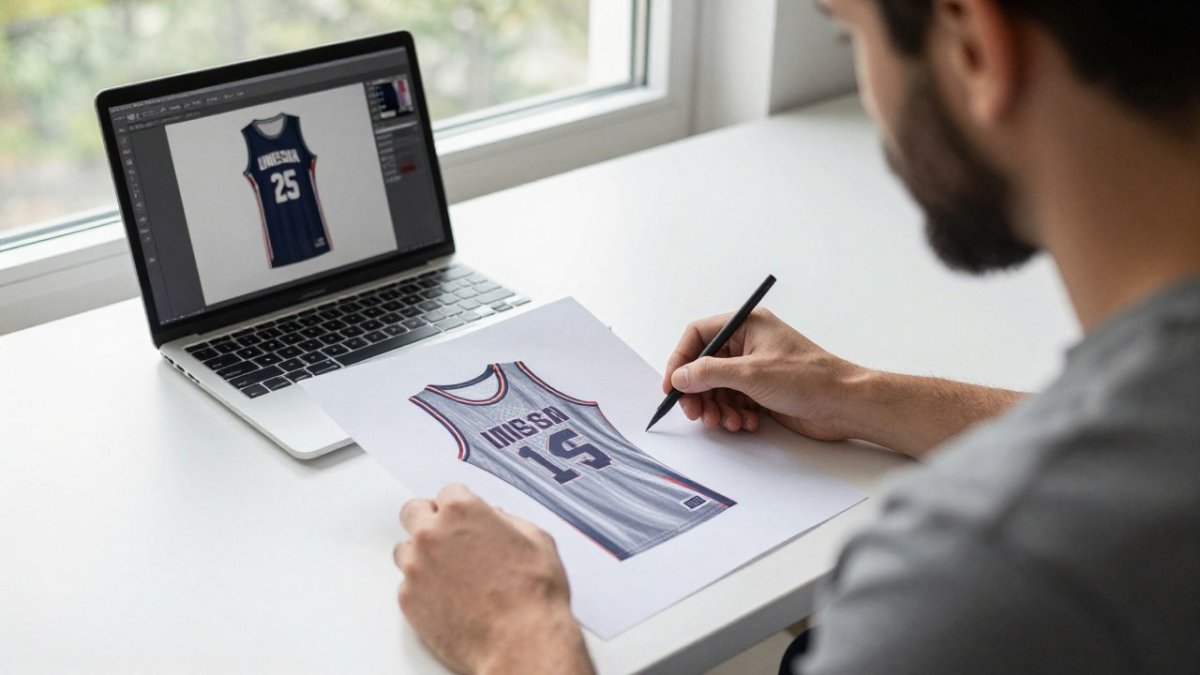
A digital proof is your last chance to spot mistakes. Check these closely:
- Spelling and text: Confirm names, numbers, and sponsor lines.
- Placement and size: Make sure the design sits where expected and fits the print area.
- Colors and trim: Screens differ from fabric or vinyl, and check for any part that may get cut off.
Screen colors can look different from the final print, so ask about color matching before you approve.
Digital Proof vs. Press Proof and How to Use a Print Proof
A digital proof is a file viewed on screen; a press proof is a sample printed on the actual material before the full run. Digital proofs are a quicker way to review layout and text, while press proofs show color and texture more accurately.
Many customers use a digital proof for layout and text, then request a physical sample for color-critical jobs. When you are ready to order, you can submit a custom print order, upload artwork, or open the hat builder to start.
Ready to start? Start a screen-printed apparel order with Streamline Digital Imaging, or upload your artwork for review to begin the proofing process.
Streamline Digital Imaging has handled artwork review and digital proofing in-house since 2009. Send your files and we will walk you through the proof before anything goes to press.
Frequently Asked Questions
How accurate are digital proofs for color?
Digital proofs show a close preview of how colors will look, but they cannot match the printed result exactly. Screen brightness, calibration, and the fabric or substrate all shift color. For color-critical jobs, ask about a physical sample or press proof before the full run, and check your monitor calibration so your review is as reliable as possible.
What is the difference between a digital proof and a press proof?
A digital proof is a file or on-screen preview that shows layout, text, and artwork before production. A press proof is a physical sample printed on the actual equipment and material used for the order. Digital proofs are faster and cost less to revise, while press proofs give a truer view of final color and finish.
How long does digital proofing take?
Timing depends on how quickly your artwork is ready and how many revisions you request. Clean, print-ready files move through review faster, while files that need cleanup add time. Ask Streamline Digital Imaging for current turnaround details or a quote tailored to your project.